
Telematics
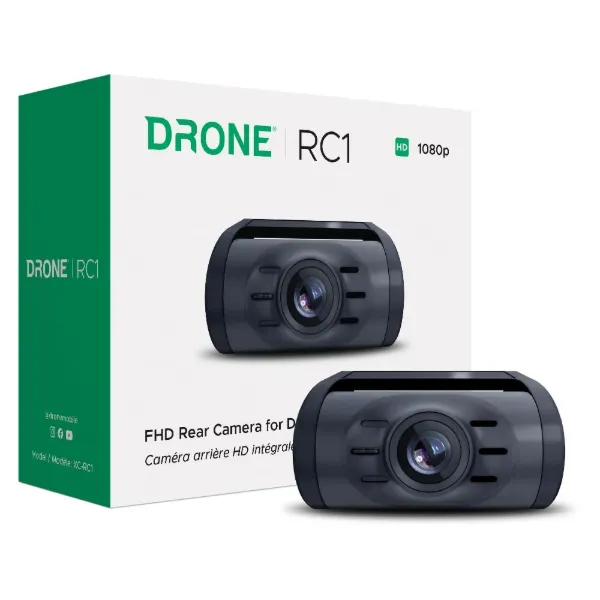
RC1 Rear Camera for XC-LTE
XC-RC1
Drone RC1 rear camera for all Firstech dash cameras. Full HD 1080p resolution and adjustable recording angle.
$99.99
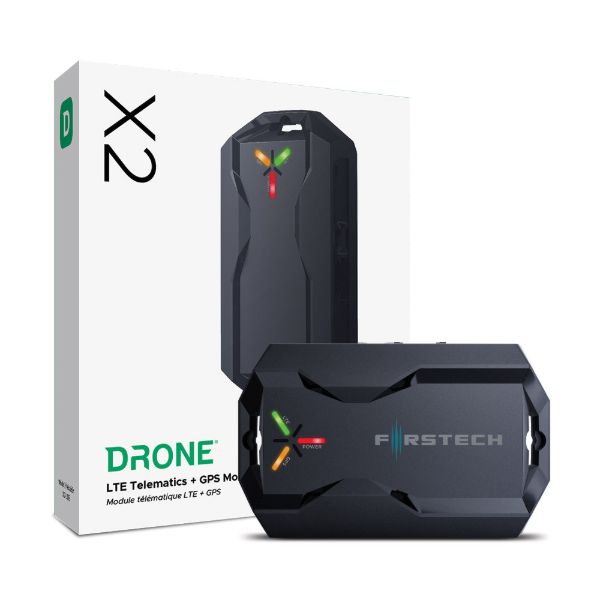
Drone X2 LTE Module
X2-LTE
Drone X2 telematics module for adding DroneMobile smartphone control and GPS tracking to any compatible Firstech remote starter or alarm.
$99.99
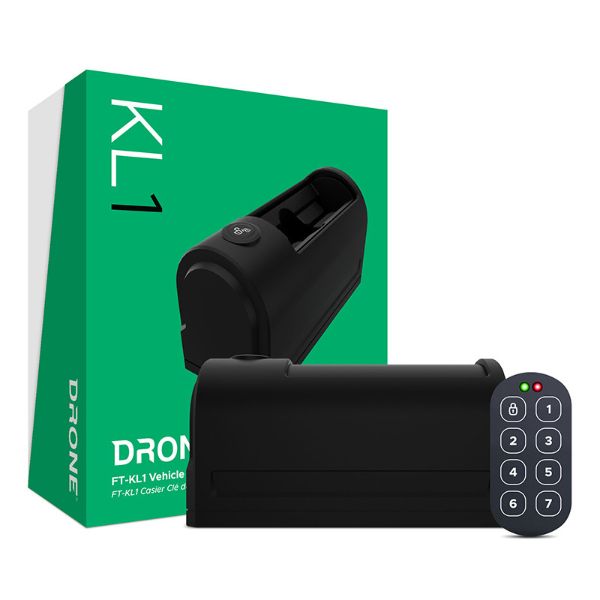
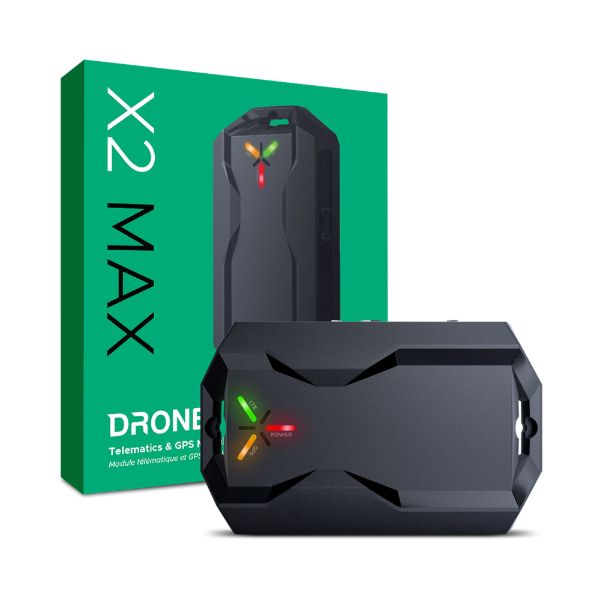
Drone X2MAX-LTE with Cell, GPS, BLE, Sensors, and Back-up Battery
X2MAX-LTE
Drone X2MAX telematics module for adding DroneMobile smartphone control and GPS tracking to any compatible Firstech remote starter or alarm. Also includes wiring harness or OBD-II harness for standalone installation for GPS tracking applications. Great solution for fleets!
$169.99
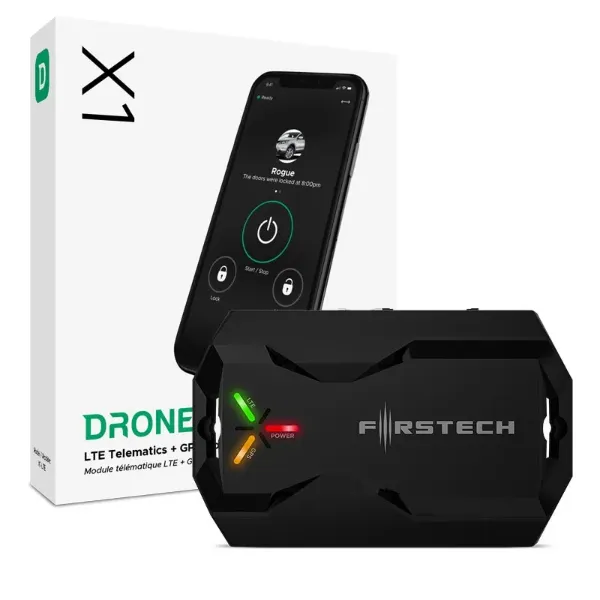
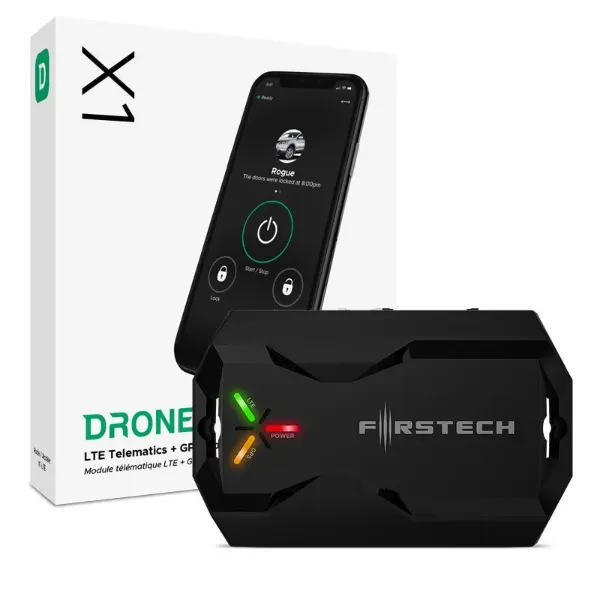
Drone X1 LTE Verizon Telematics Add-On
X1-LTEV
Add DroneMobile smartphone control and GPS tracking to a compatible remote start and security system. Powered by Verizon LTE.Works in most regions of North America with LTE coverage*. Free 30-Day Premium Trial included.
$199.99
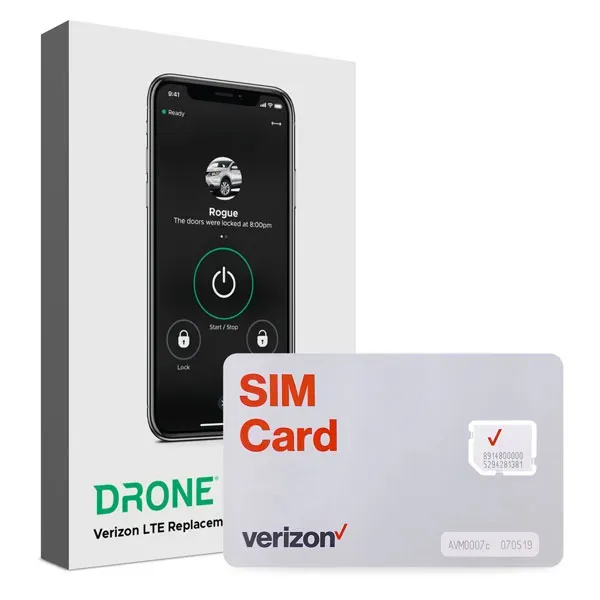
Drone X1 Verizon LTE SIM Card
X1-VZW-SIM
Swap out your Drone X1's existing SIM card with a Verizon SIM, provisioned to integrate seamlessly with DroneMobile services. Recommended for regions where Verizon network coverage is superior to other providers.
X1-VZW-SIM will work with the following Drone modules only.
- Drone X1-LTE (Serial number starting with #102, does NOT work with #204 units)
- Drone X1MAX-LTE
How to Swap Out Your X1 LTE SIM
- Insert the new Verizon SIM card into the Drone X1 module.
- Replace the ICCID sticker on the X1 Module with the included ICCID sticker.
- Activate your Verizon SIM at https://install.myfirstech.com. NOTE: This step could/should be performed by an authorized installer.
- Login or click “Activate as Guest”, then click “Activate Verizon SIM”.
- Enter your X1 Module’s serial number and ICCID. (X1 serial number remains the same, even after changing SIM cards).
$19.99
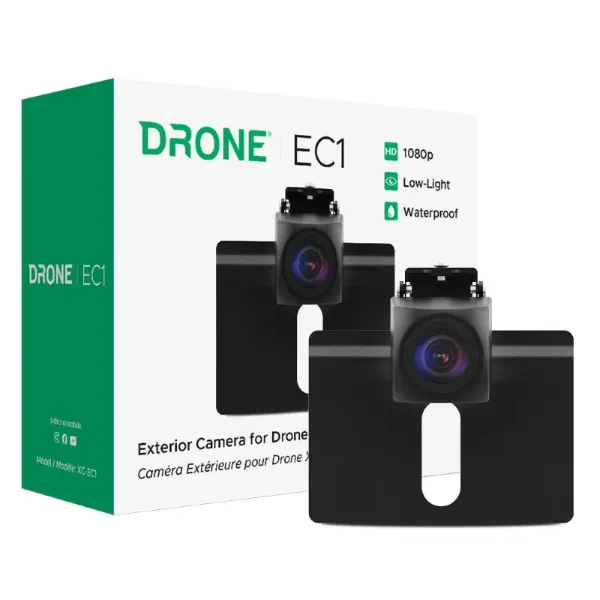
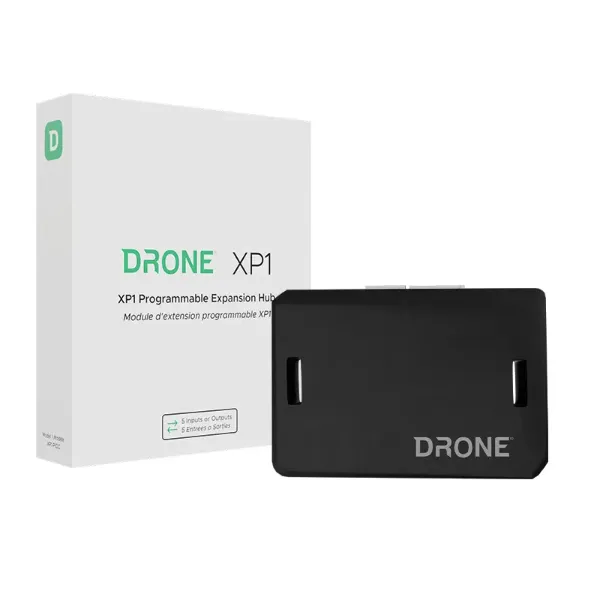
Drone XP1 Expansion Hub for X2MAX/XC
XP1-PIOC
Drone XP1 expansion module for adding up to 5 inputs or outputs to standalone X2MAX or XC installations.
$49.99